

KYC Policy: Verifying Your Identity on the Platform
KYC helps confirm that an account belongs to the real person using it. On JB.COM and JB Casino, this check supports account protection, age control, payment security and access to full platform features, including those available after JB Casino download on supported devices. Read this page before submitting documents so your verification can move without avoidable delays.
Why Identity Verification Is Required
Identity verification is required to confirm that the registered account holder is the same person using the platform. This check helps prevent account abuse, underage access, fraudulent payment activity and misuse of personal details. It also supports compliance rules applied to real money casino and sportsbook services. Once verification is completed, account functions linked to deposits, withdrawals and profile security can be reviewed with clearer ownership.
Documents Needed to Complete Verification
The document request depends on the level of review needed for your account. Basic verification usually requires a valid government-issued photo ID, such as a passport or national ID. Clear images of the front and back of the document may be requested, together with selfie photos from several angles. If extra checks are needed, proof of address can be required, such as a utility bill, bank statement or government letter dated within the last 3 months.
How the Verification Process Works
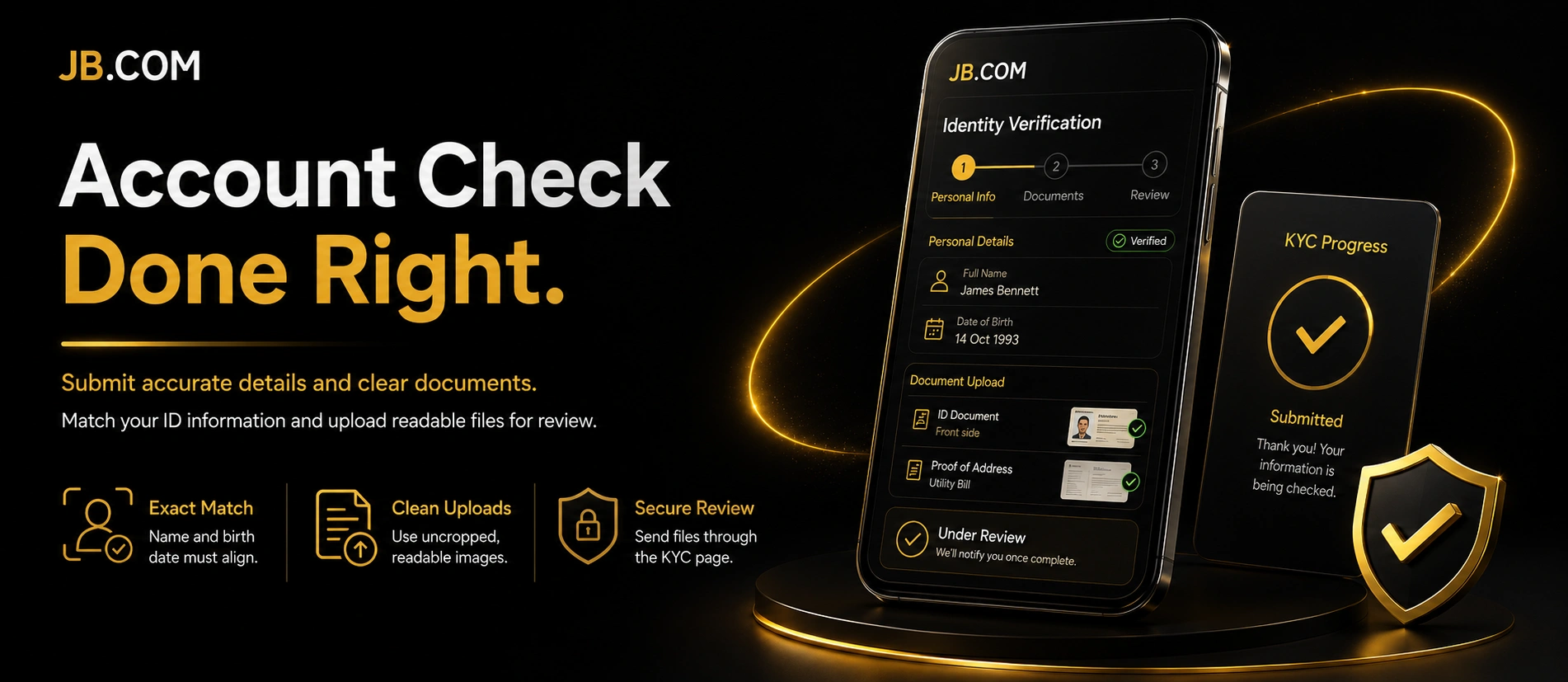
The verification process starts inside your account, where you open the KYC page and follow the submission form. Personal details must match the information shown on your ID, including spelling, date of birth and document data. Files should be readable, uncropped and not edited with filters. A clean submission lowers the chance of rejection.
- Open the KYC page: go to the verification section in your account.
- Enter personal details: fill in the form exactly as shown on your ID.
- Upload documents: add ID photos, selfies and proof of address if requested.
- Review the form: check every field before sending.
- Submit for review: wait for the status update by email or inside the account.
If the system finds an issue, you may be asked to submit the documents again. A rejected attempt usually comes with an email explaining what needs correction. During manual review, resubmission may be unavailable until the final result is sent.
Typical Verification Timeframes
Typical verification timeframes depend on whether the submission passes automated checks or needs manual review. Most applications are reviewed automatically after the documents are sent. If the image quality is poor, the details do not match, or extra review is needed, the process can take longer. The standard KYC review may take 24-48 hours after submission.
What Happens If Verification Is Not Completed
If verification is not completed, some account functions may remain limited. In practice, this can affect withdrawals, certain payment operations or currencies that require confirmed identity before use. A final rejection may happen after the allowed attempts or manual review. Common reasons include expired documents, blurry images, unsupported regions, age restrictions or details that do not match the account profile.
How Your Data Is Protected During Verification
Your verification data is transferred through protected SSL/TLS channels during submission. JB.COM also uses security measures such as 2FA, SHA-256 encryption, monitoring of suspicious activity and alerts for logins from new devices. Personal information is used for verification and compliance checks, not for unrelated promotional use. Data is not shared with third parties without consent unless regulatory obligations require it.
FAQ
Yes, extra documents may be requested when the first submission does not fully confirm identity, address or account ownership. This can happen when images are unclear or when account details need closer review. Submit only current, readable files that match your profile information.
Withdrawals may be delayed or restricted until verification is completed. Some currencies or payment methods can also require confirmed identity before deposits or withdrawals are processed. It is better to complete the check before planning a payout.
Yes, edited, filtered, cropped or dark images can lead to rejection. The system needs to read document details without visual changes or hidden areas. Retake the photo in good light and keep all corners visible.
Yes, status updates and rejection reasons can be sent by email. During manual review, the final result may also appear on the KYC page inside the account. Check your inbox carefully before resubmitting documents.